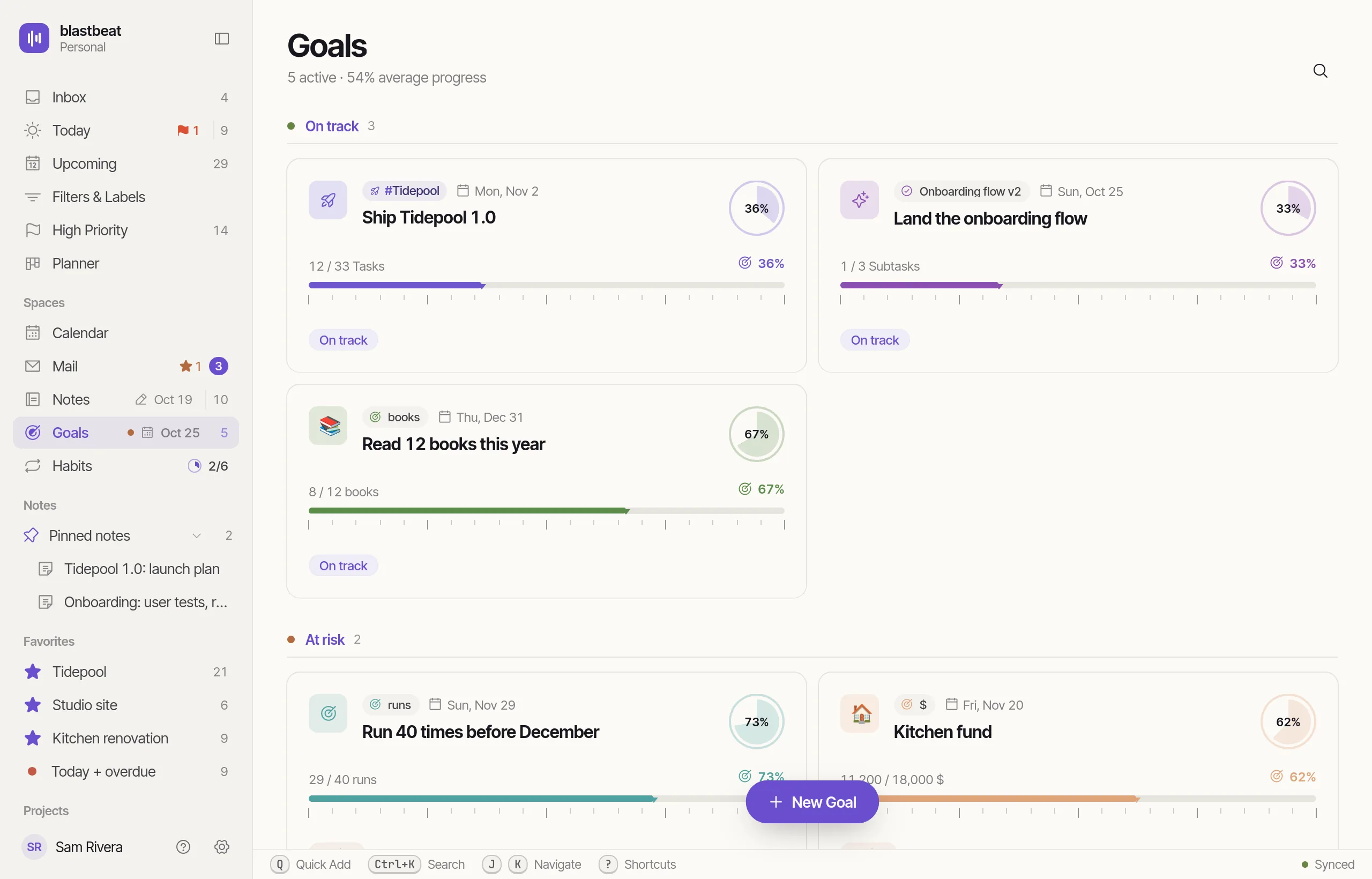
Notes that knowwhat they’re for.
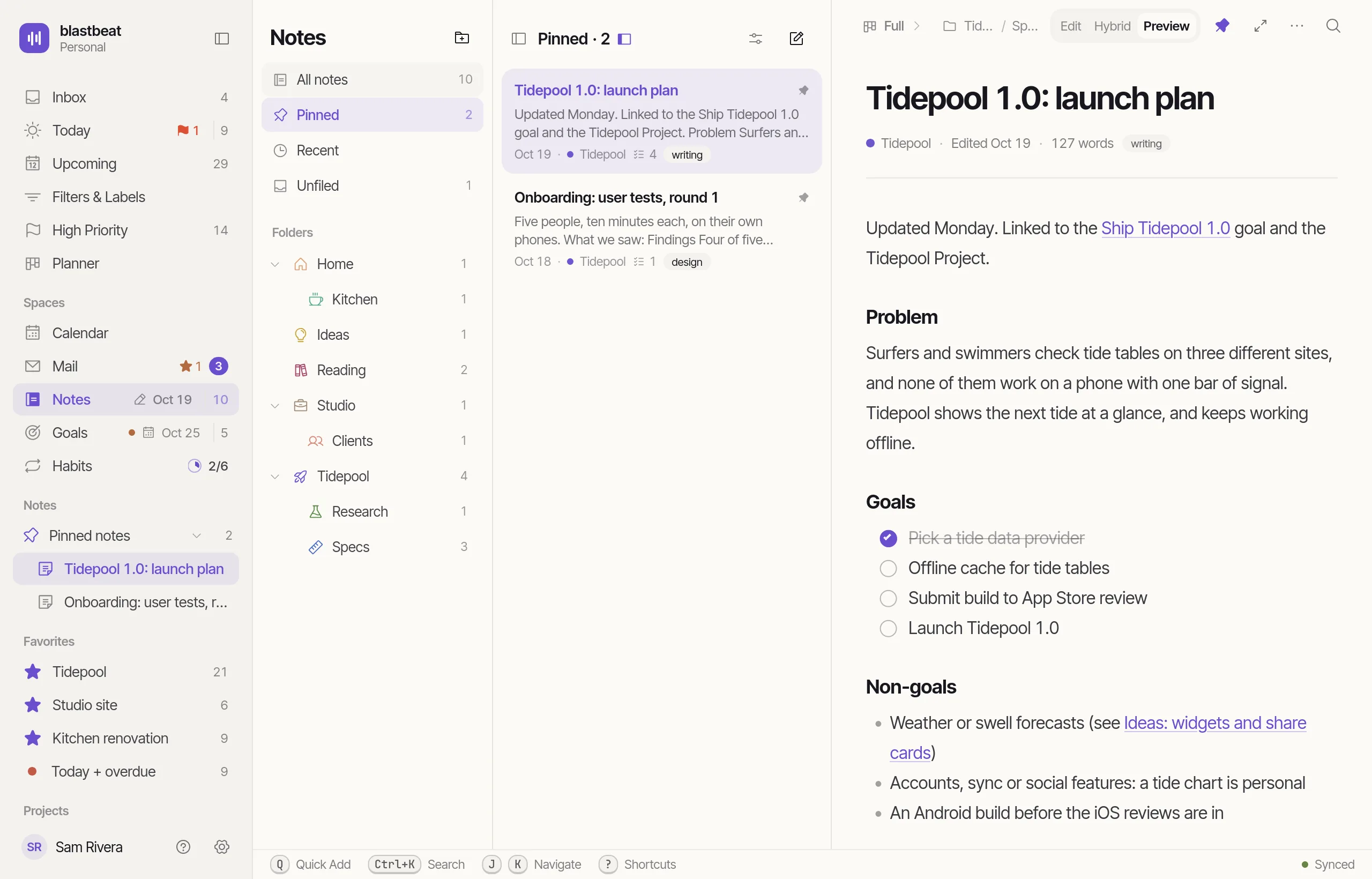
Write and find Notes
Markdown, without the markup.
Hybrid mode renders Markdown as you type. Edit shows the plain text, and Preview the finished page.
- Headings, lists, quotes, tables, code and callouts
- Type / at the start of a line for the block menu
- [[ links to another Note, and ![[ shows a Task reference
- Frontmatter edits as Properties above the text
- Vim motions are a switch away in Settings › Notes
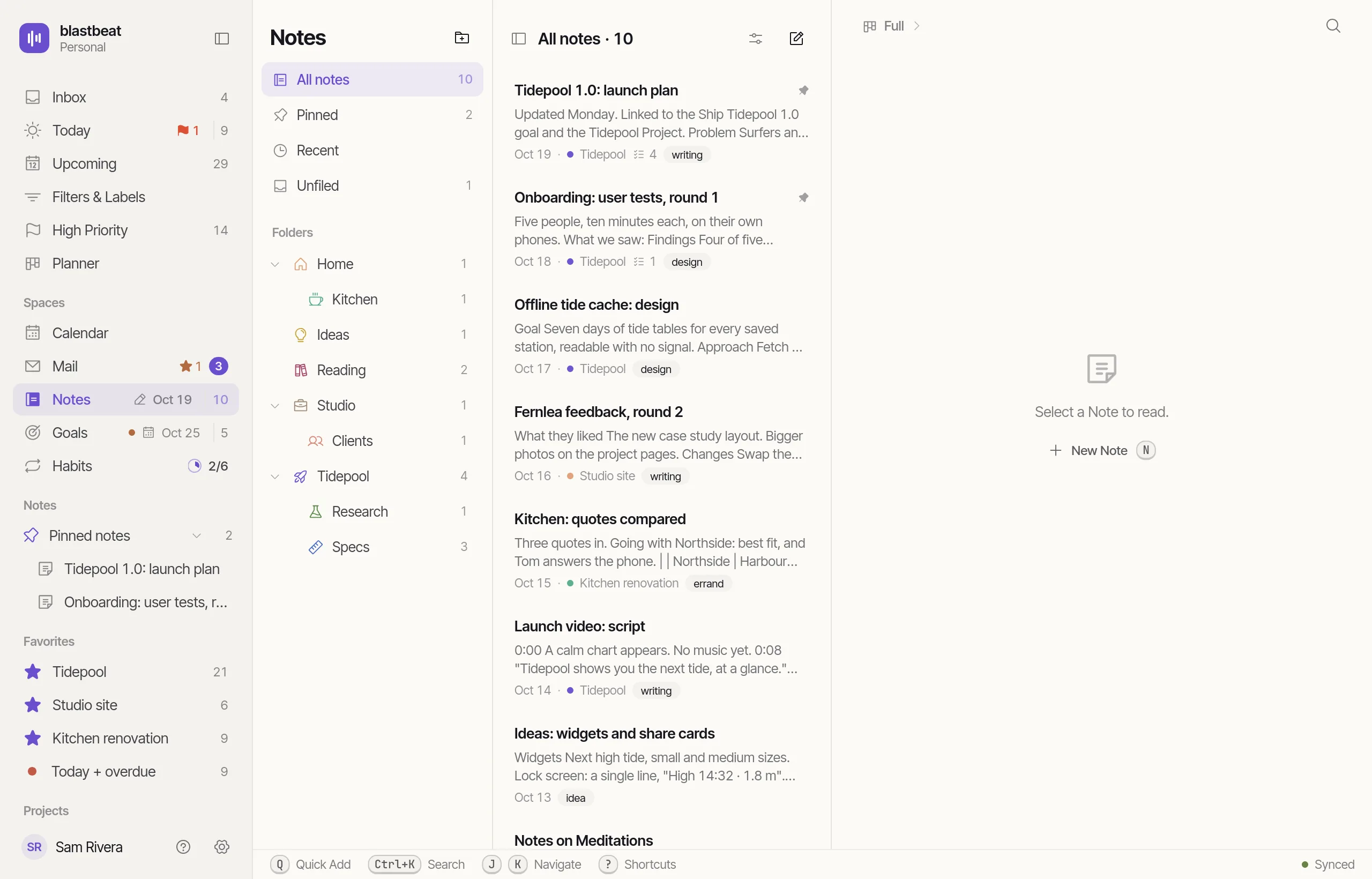
Every Note, one list, sorted how you like.
All notes, Pinned, Recent or a Folder: search and sort a list of Note cards. Pinned Notes rise to the top, and any Note, Folder or Label can be a shortcut in the sidebar.
- Cards show a preview, the Project, the Linked-task count and Labels
- Pin a Note, or pin a Folder or Label to the sidebar
- Drag a Note onto a Folder, or move it from the keyboard
Notes on the desktop
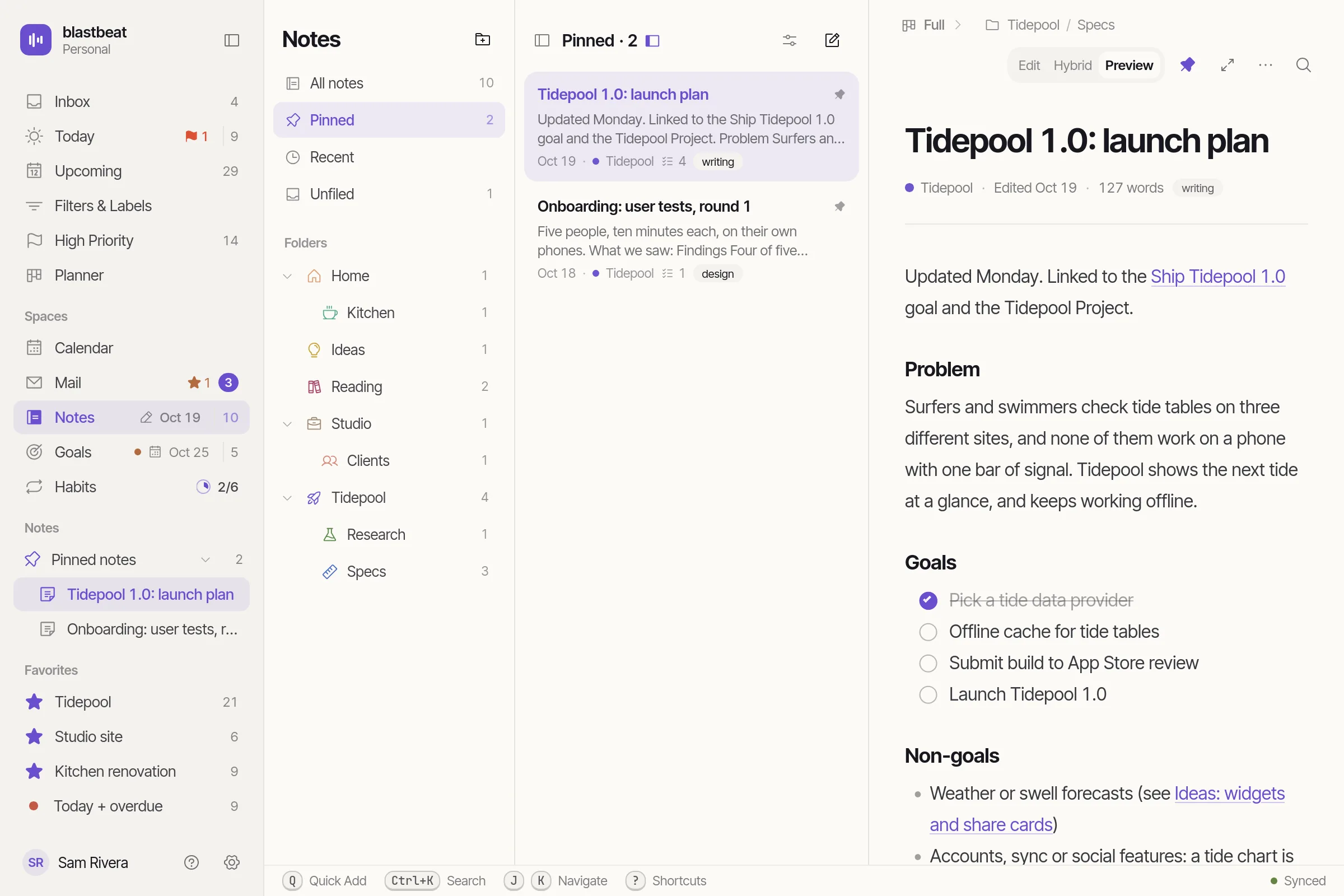
The same three panes, in their own window.
The desktop app runs blastbeat in a window of its own on Linux, macOS and Windows, with the same Notes, panes and Shortcuts as the web.
- Note focus gives one Note the whole window
- Your login is kept in the system keychain
- Logging in opens your browser and waits for the answer
Filing that doesn’t fight you.
Any depth, sorted A to Z, each with its own icon.
A Note can have one Project and any Labels, whichever Folder it is in.
Pinned Notes rise above the rest, and can sit in the sidebar.
A checkbox line is a Task. Tick it in the Note or in Today and both stay in step.
Saved shortly after you stop typing. A conflict is reported instead of overwriting.
One Note as Markdown, or several as a ZIP in Folder layout.
Bring in an Obsidian vault as a Markdown ZIP. Notes, Folders and Labels are previewed before anything is added.
Deleting a Folder deletes its subfolders but leaves their Notes, Unfiled.