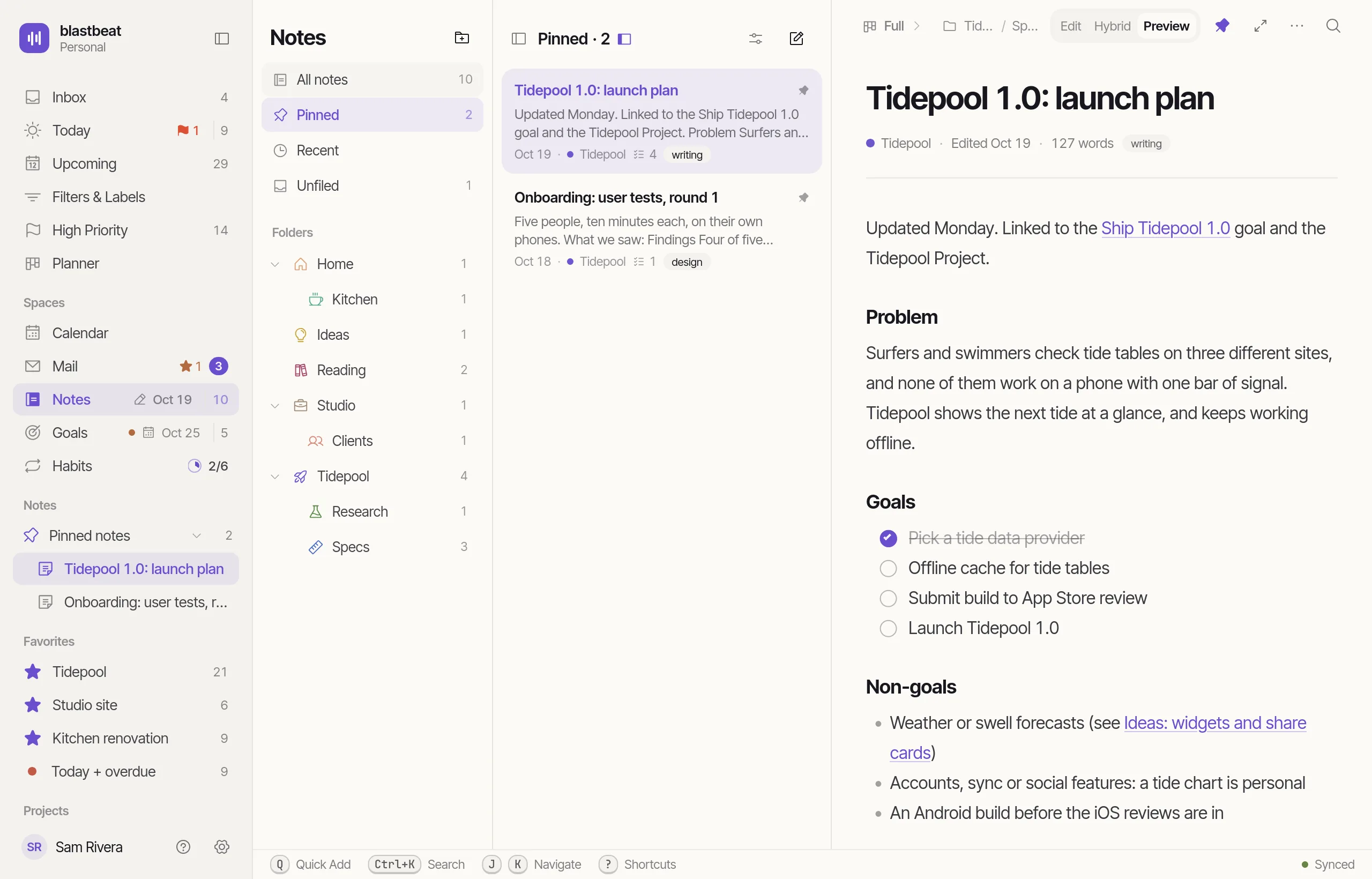
Your week and your Mail,inside the work.
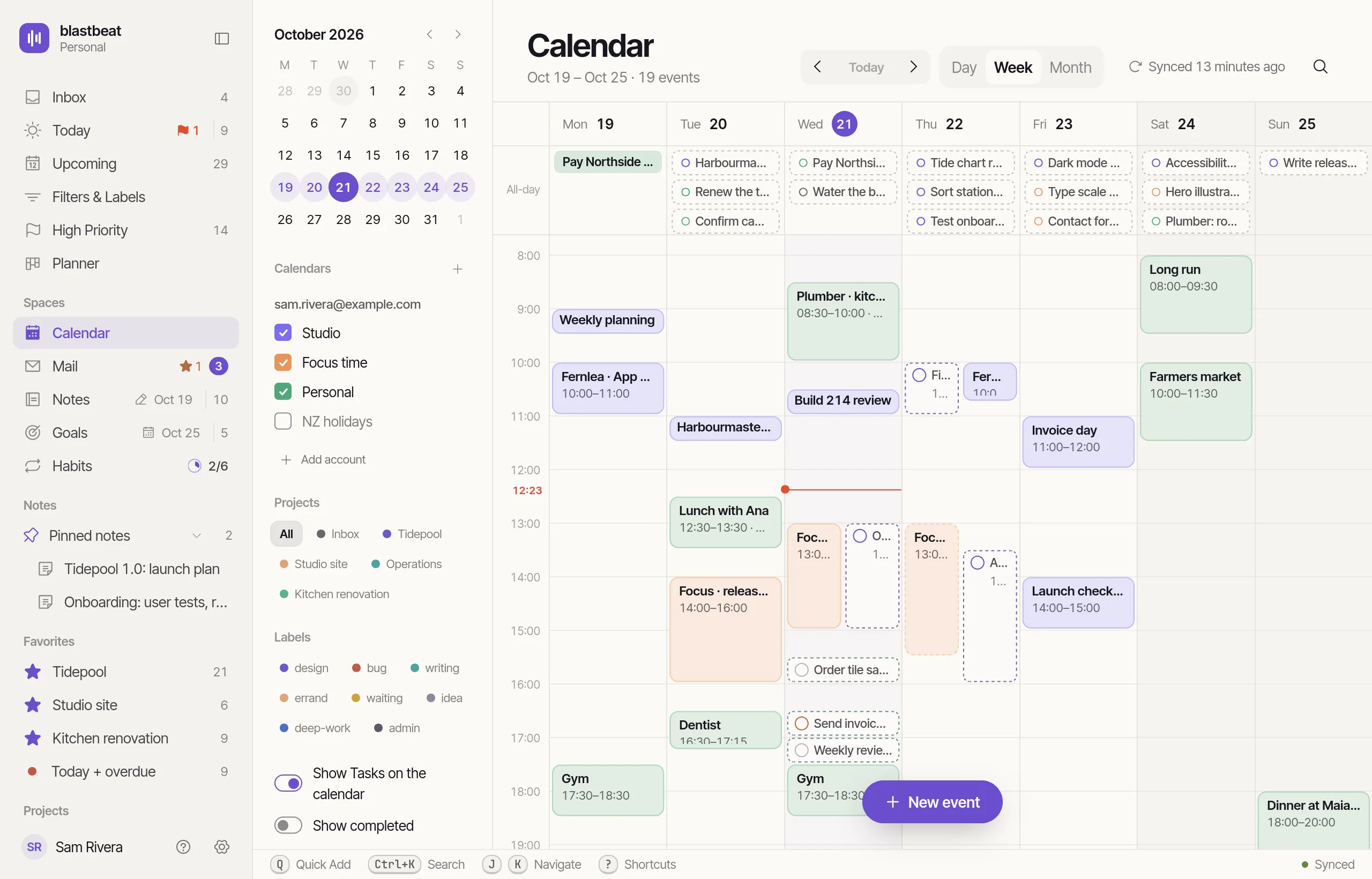
Calendar
Week, month, and the Tasks in between.
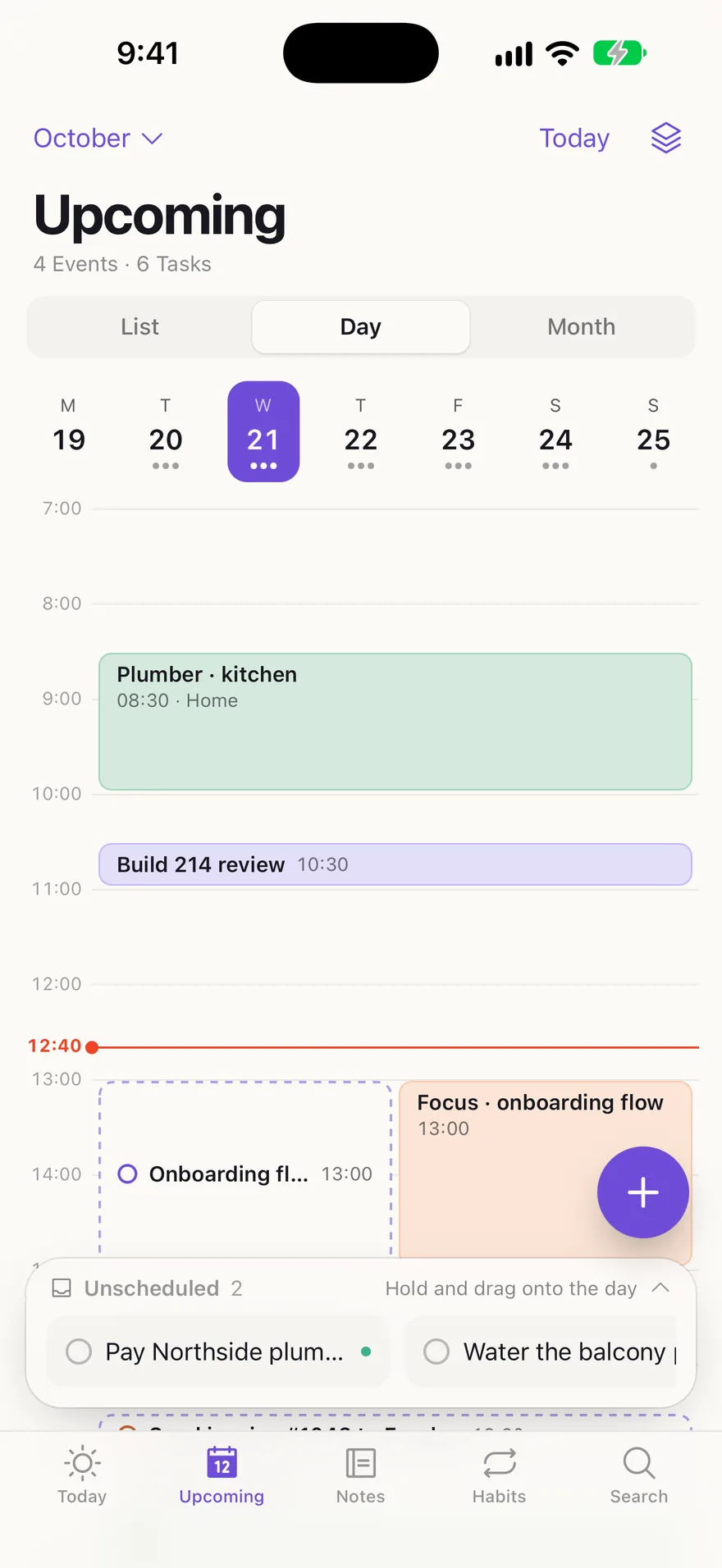
Day, Week and Month views of every connected calendar. Turn on the Task overlay to draw your Tasks beside Events and filter it by Project or Label. Open an Event to add prep and follow-up Tasks linked to it.
- Drag a Task onto the grid to time-block it
- Pull an Event’s or a Task’s bottom edge to change its length
- Sweep an empty slot to start a new Event
- A change to an Event goes to Google first, then shows here
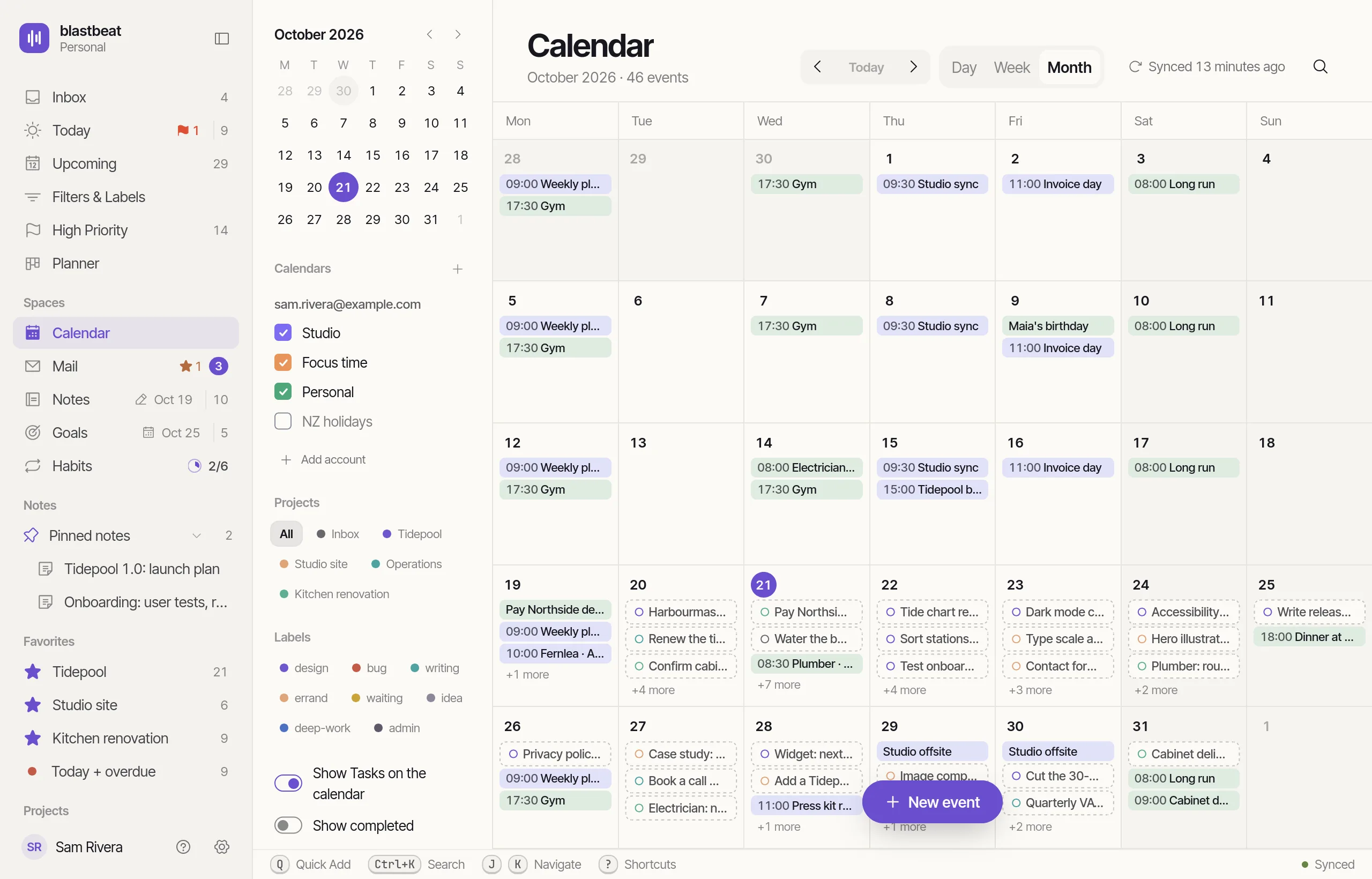
Drop a Task. Triage a Thread.
Triage a Thread in one key.
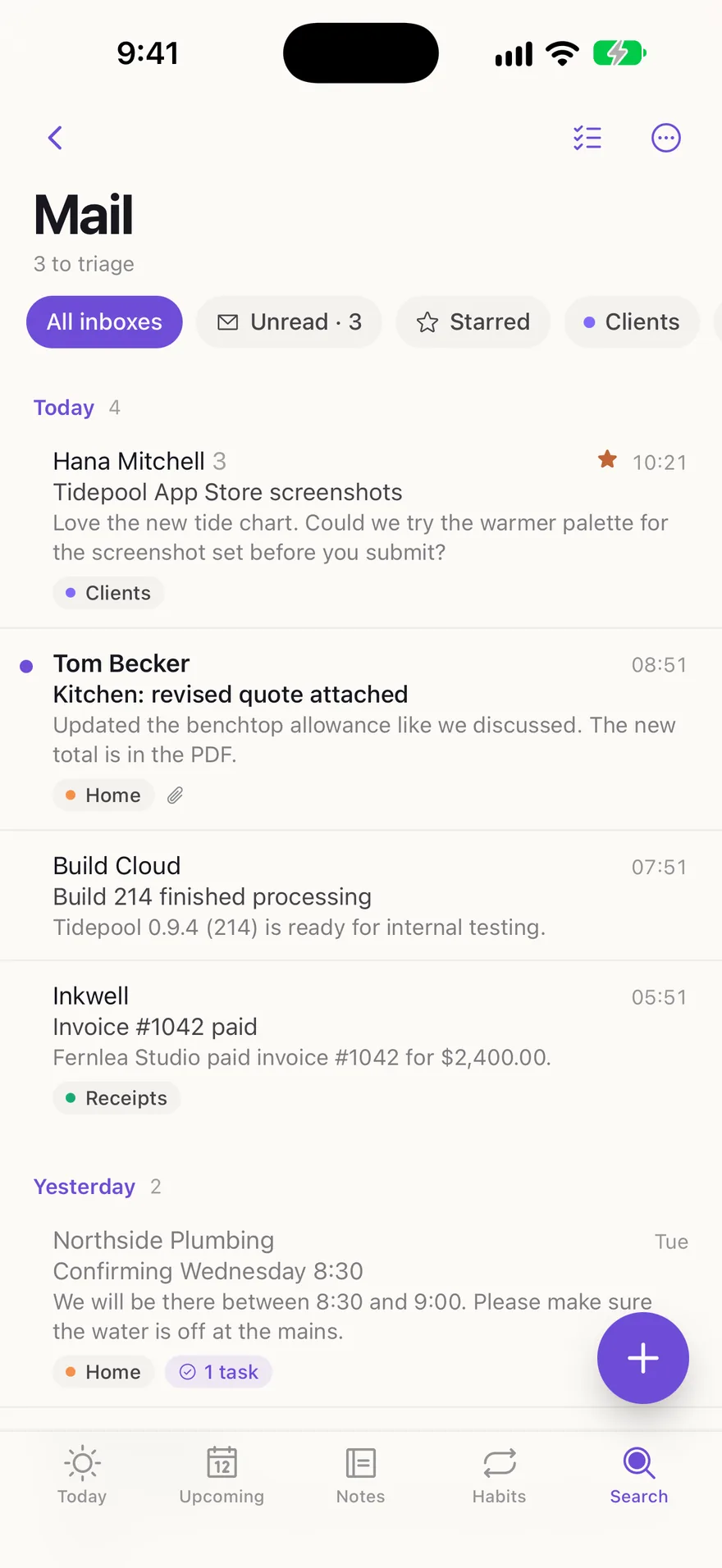
Press T to make a Task, N for a Note or E to archive. A Triaged badge marks the Thread afterwards.
Drop a Task on the grid.
Drag an Unscheduled Task onto a day and it becomes a time-block as long as its Duration, 30 minutes if it has none.
Triage Mail without leaving your list.
A Thread’s subject becomes the Task’s title, and its latest Message, without the quoted replies, becomes the description. The Thread stays one click from what you made.
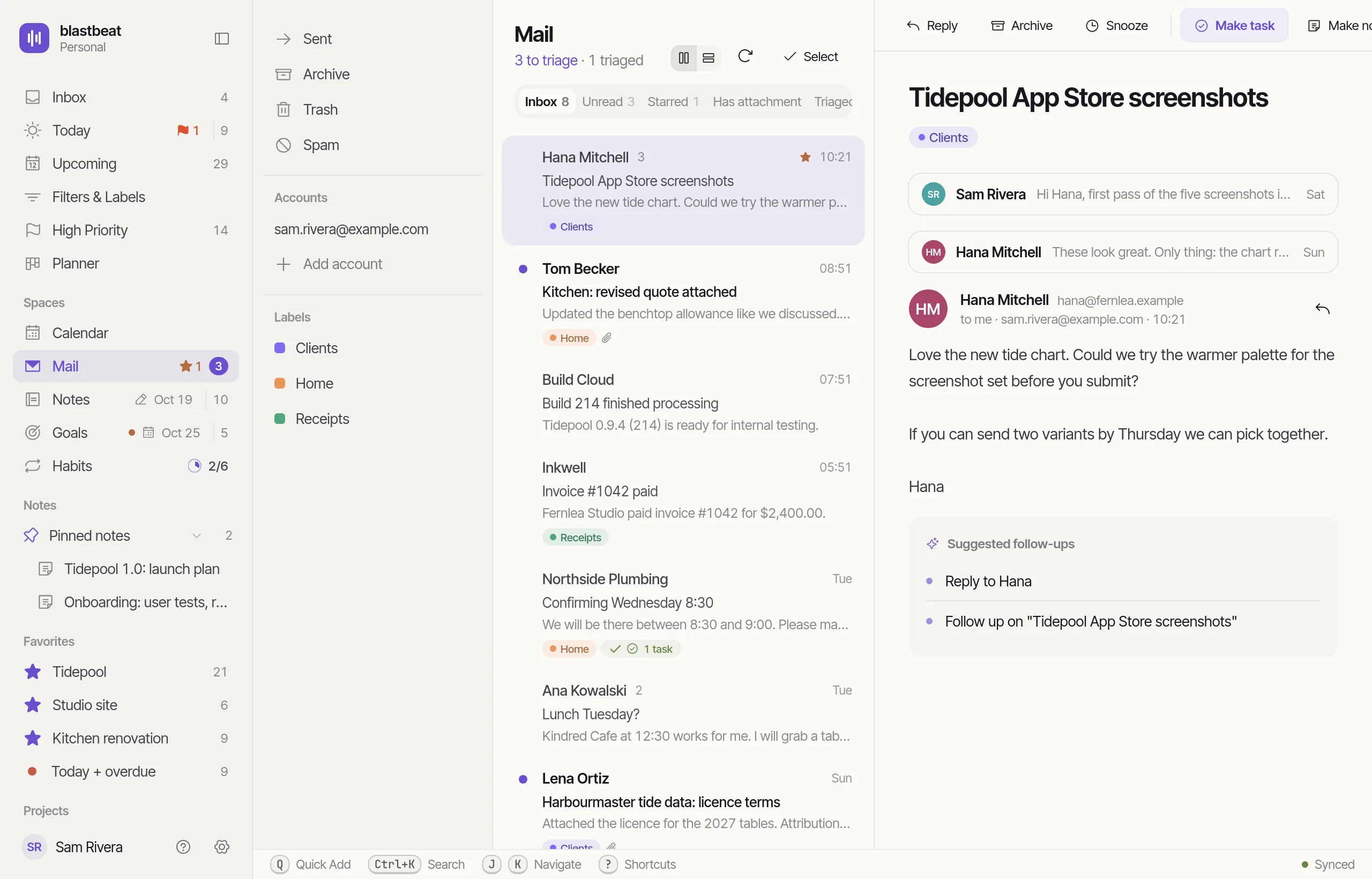
Mail on iPhone
Same triage, under your thumb.
Swipe a Thread right to archive it, or left for Task, Note and Snooze. The Calendar has a Day timeline with an Unscheduled tray you can drag from.
- Swipe actions match the keys
- Select several Threads and convert them together
- Reply from the Thread
How the connection works.
A background pass syncs your calendars every five minutes, and you can sync on demand.
Connect more than one Google account. Calendar and Mail merge them, and Gmail labels appear as Mailboxes, each with an optional default Project.
Threads are read from Gmail as you open them. blastbeat keeps only your Mailboxes’ default Projects and the links to what you make.
A Triaged badge opens the Task or Note made from a Thread, and that Note keeps a link to its email.
Add Tasks on an Event offers Prep (due 15 minutes before), Share notes (due as it ends) and a Follow up.
Until Later today, Tomorrow, This weekend or Next week. The Thread comes back to your Mail unread.
BPlain text, from the Thread. blastbeat sends up to 30 Replies an hour.
RCalDAV calendars, such as Fastmail, iCloud and Nextcloud, and IMAP mail work where an Admin turns them on.