Apps
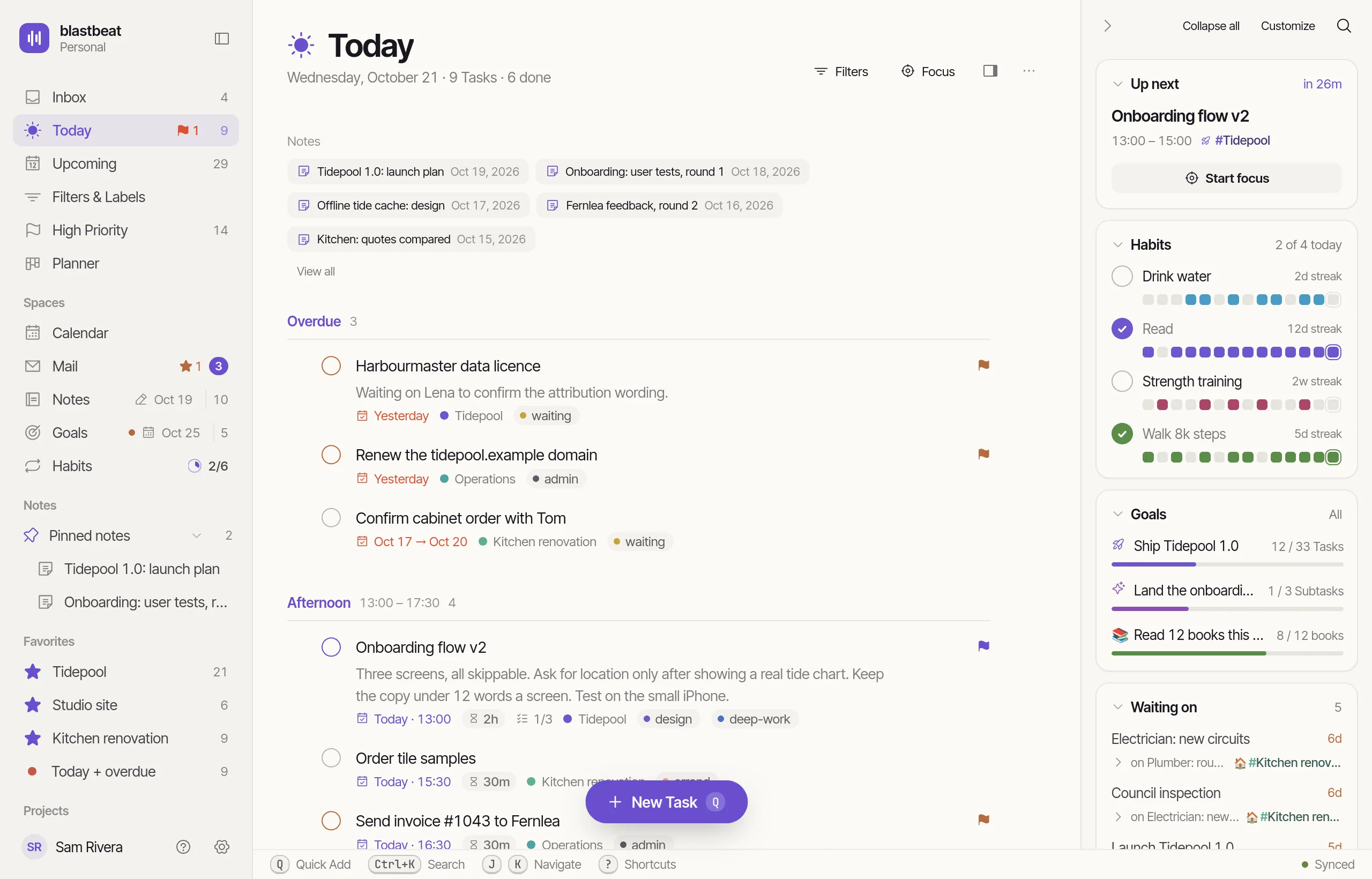
Web and desktop today.iPhone coming soon.
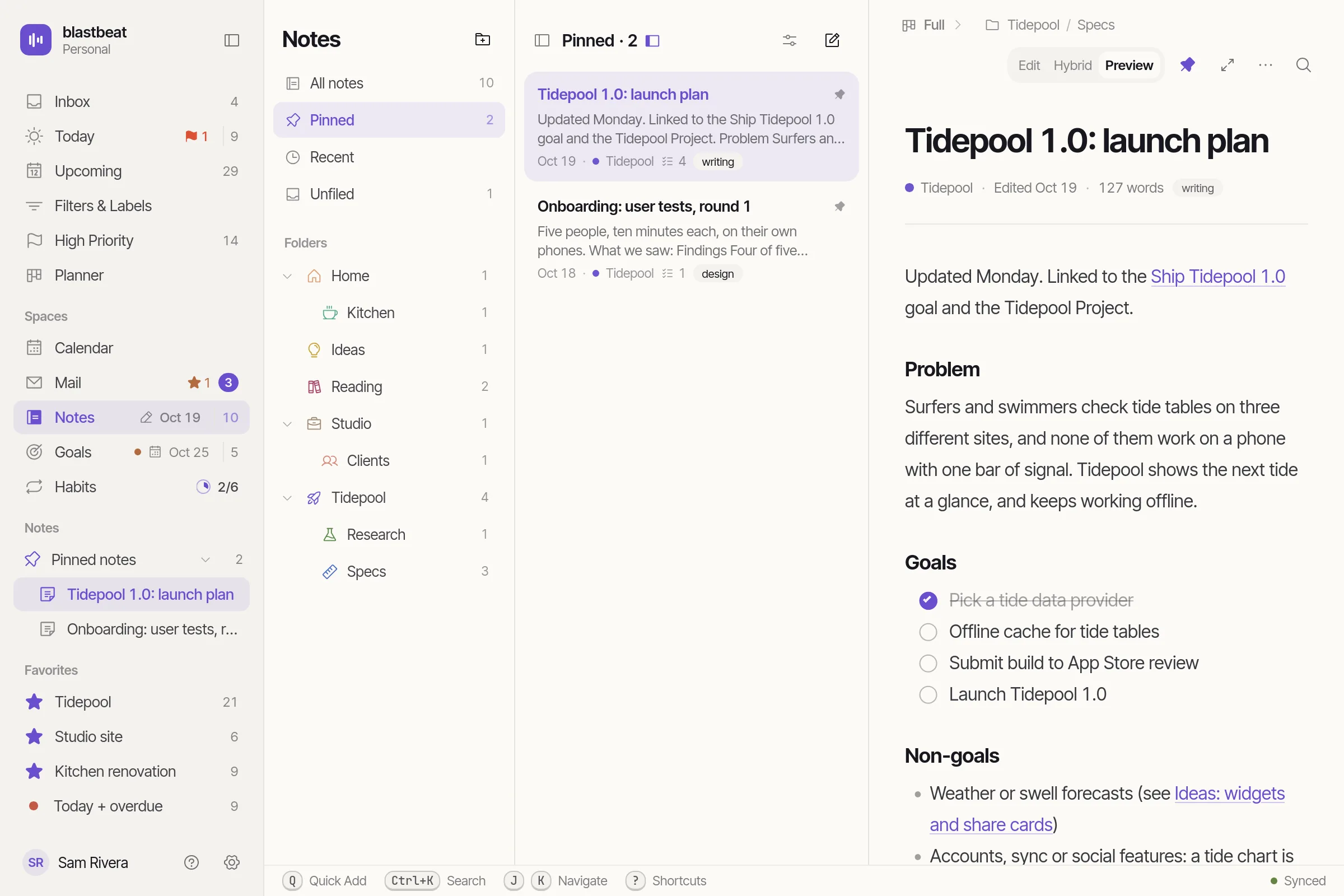
iPhone, coming soon
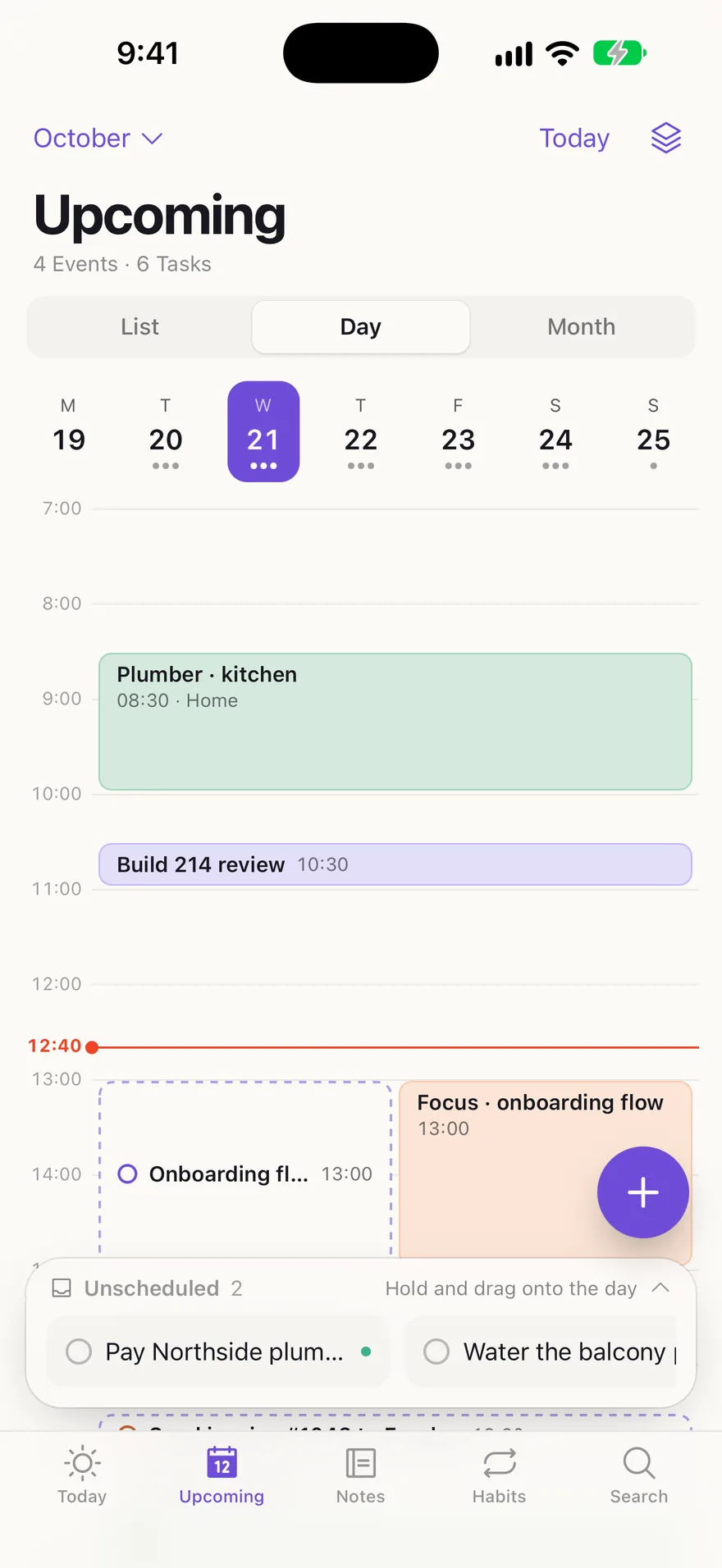
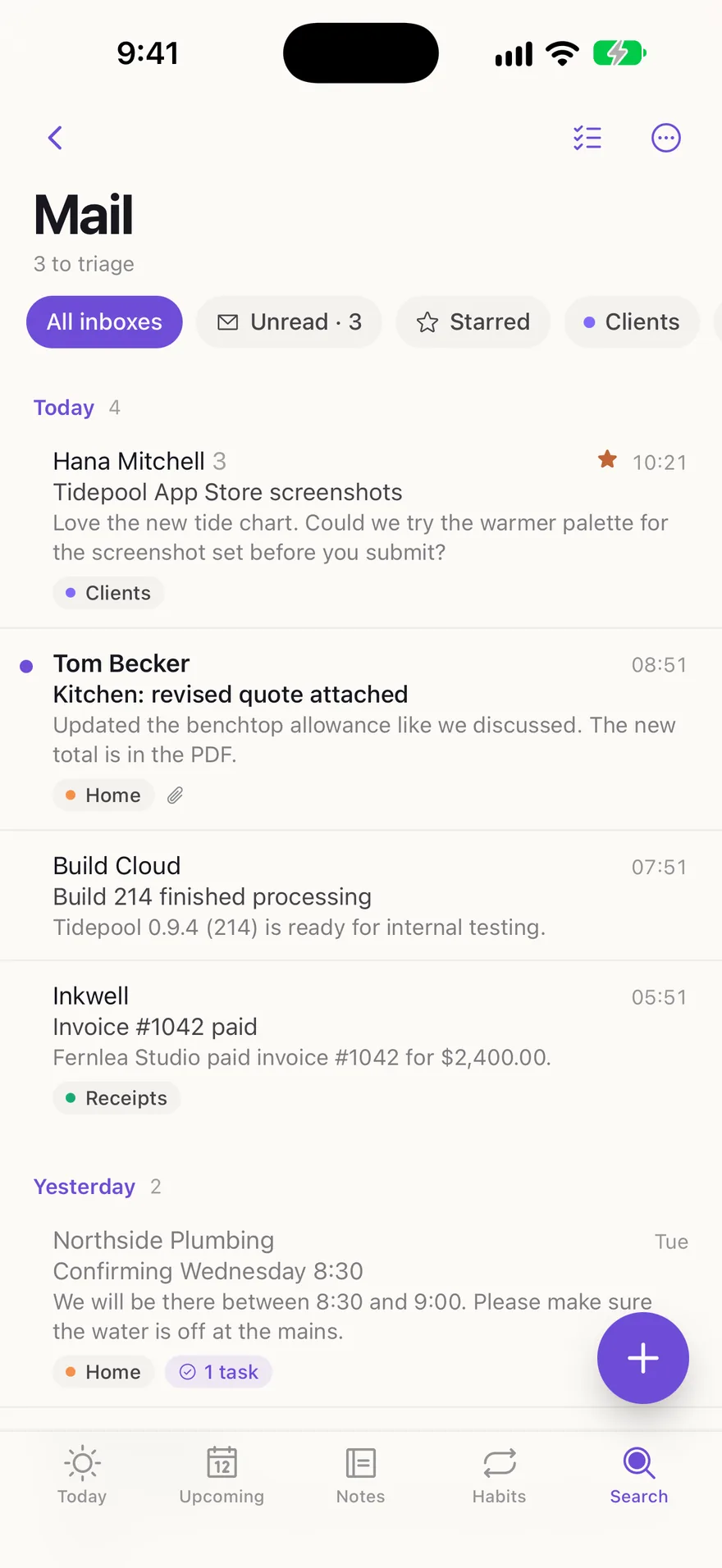
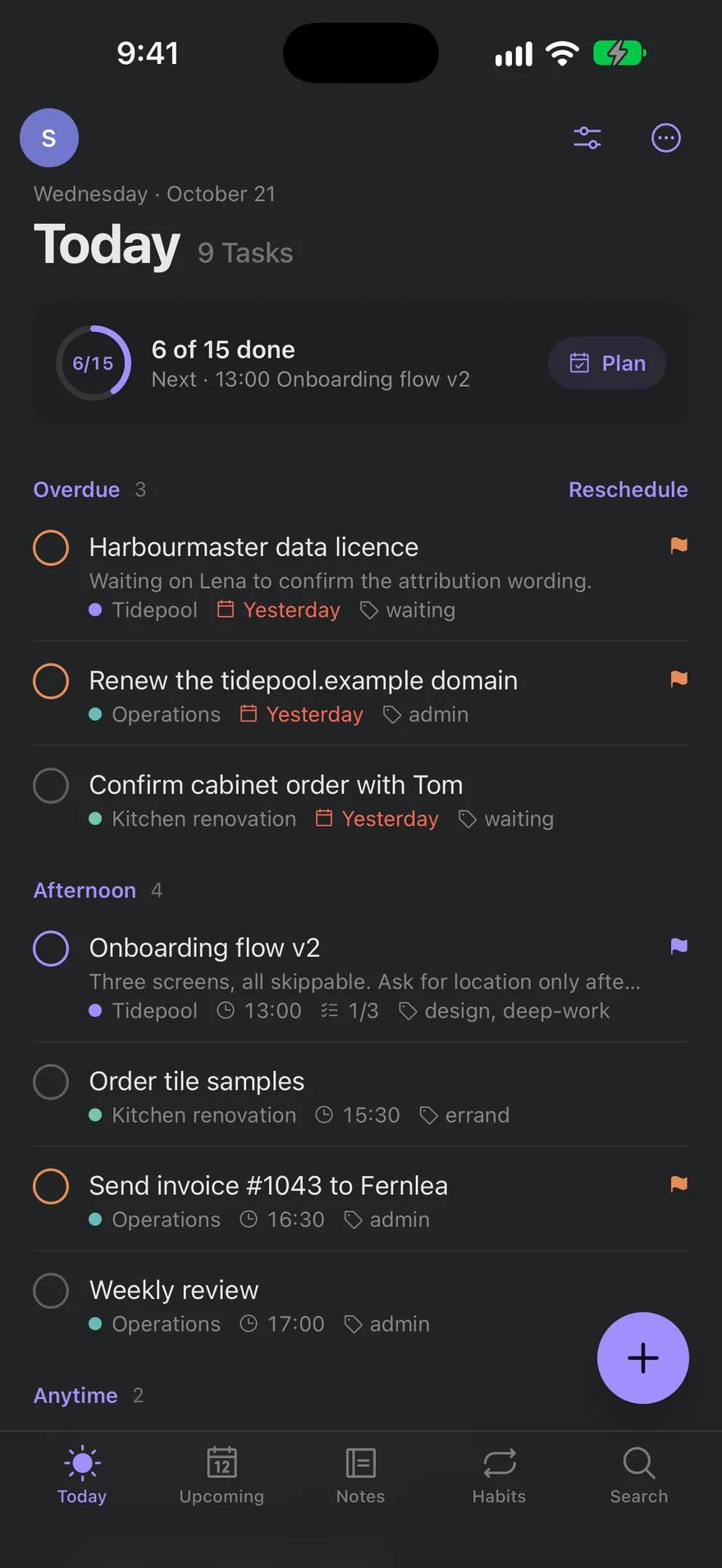
The whole app, one-handed.
A floating tab bar with Quick Add set apart, so it never lands on a tab. Swipe a Task right to complete it and left to schedule or move it; press and hold for its full menu.
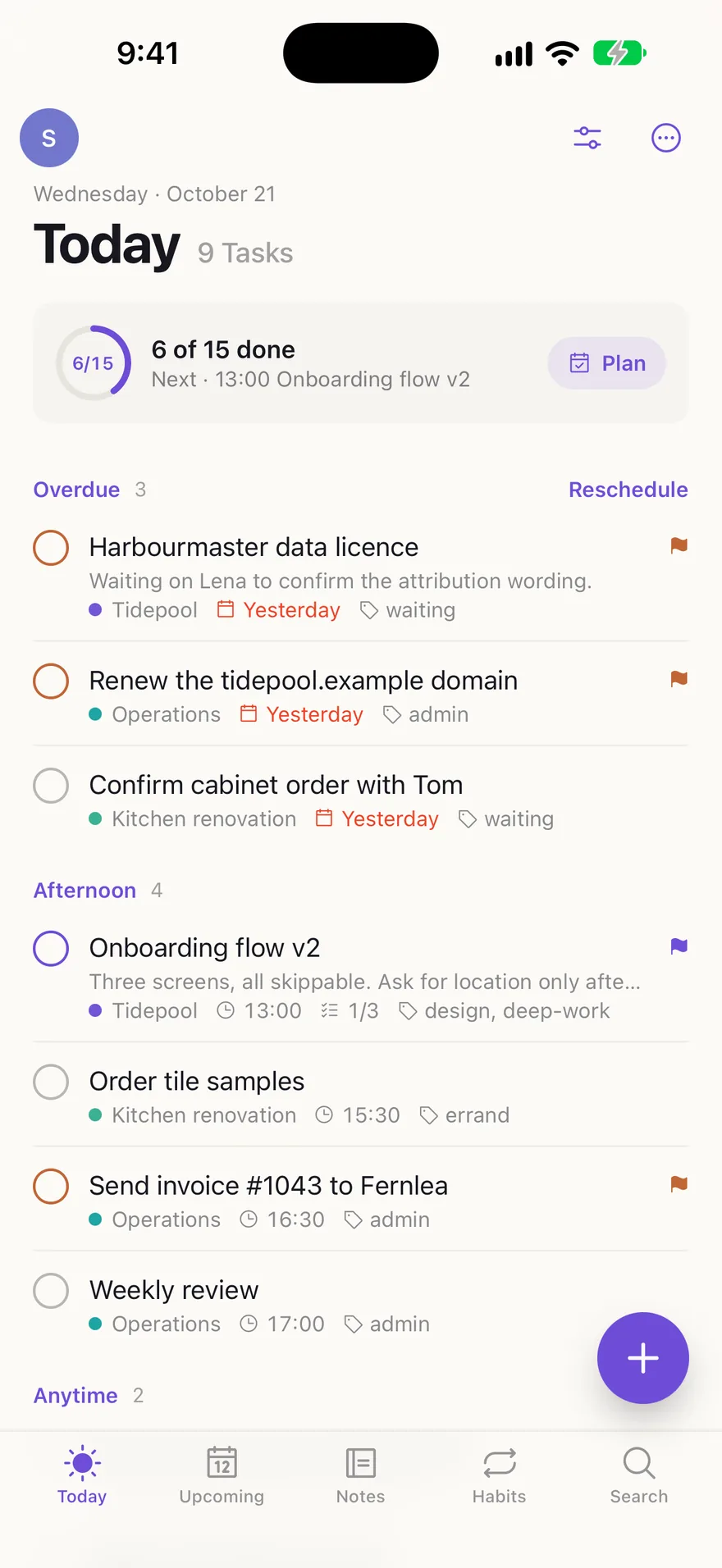
Where blastbeat runs
Desktop
Linux, macOS and Windows. The web app in a window of its own, with your login in the system keychain.Built nightly. No public download yet.iPhone
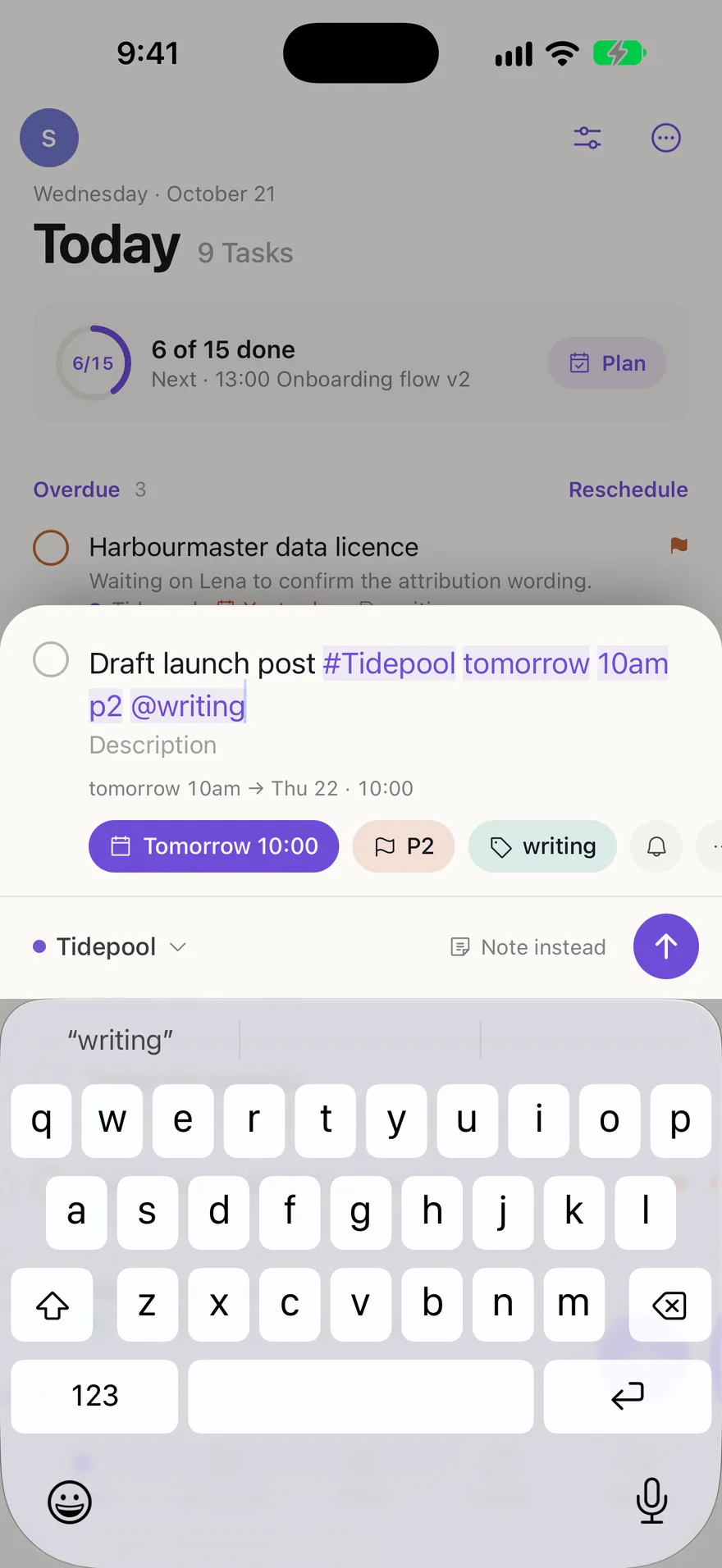
Today, Upcoming, Habits, Notes and Search, with Calendar and Mail, and home-screen widgets.Coming soon.Details
Built to be everywhere at once.
Live updates
A change on one device reaches your others within a second.
One Keymap
Your Shortcuts follow you across the web and the desktop app.
Widgets
Seven on iPhone: Today, Task list, Quick Add, Goal, Pinned Note, Project and Upcoming.
System keychain
The desktop app keeps its session in the operating system’s keychain.
Your ServerComing soon
Desktop and iPhone talk to blastbeat.app, or to a self-hosted Instance you choose when you log in.
Haptics
A small tick on swipes, drags and long presses. That is all.
Preferences
Appearance, the sidebar and your Calendar and Notes settings follow you to every device.
Passkeys
Log in with a passkey on the web and on iPhone.