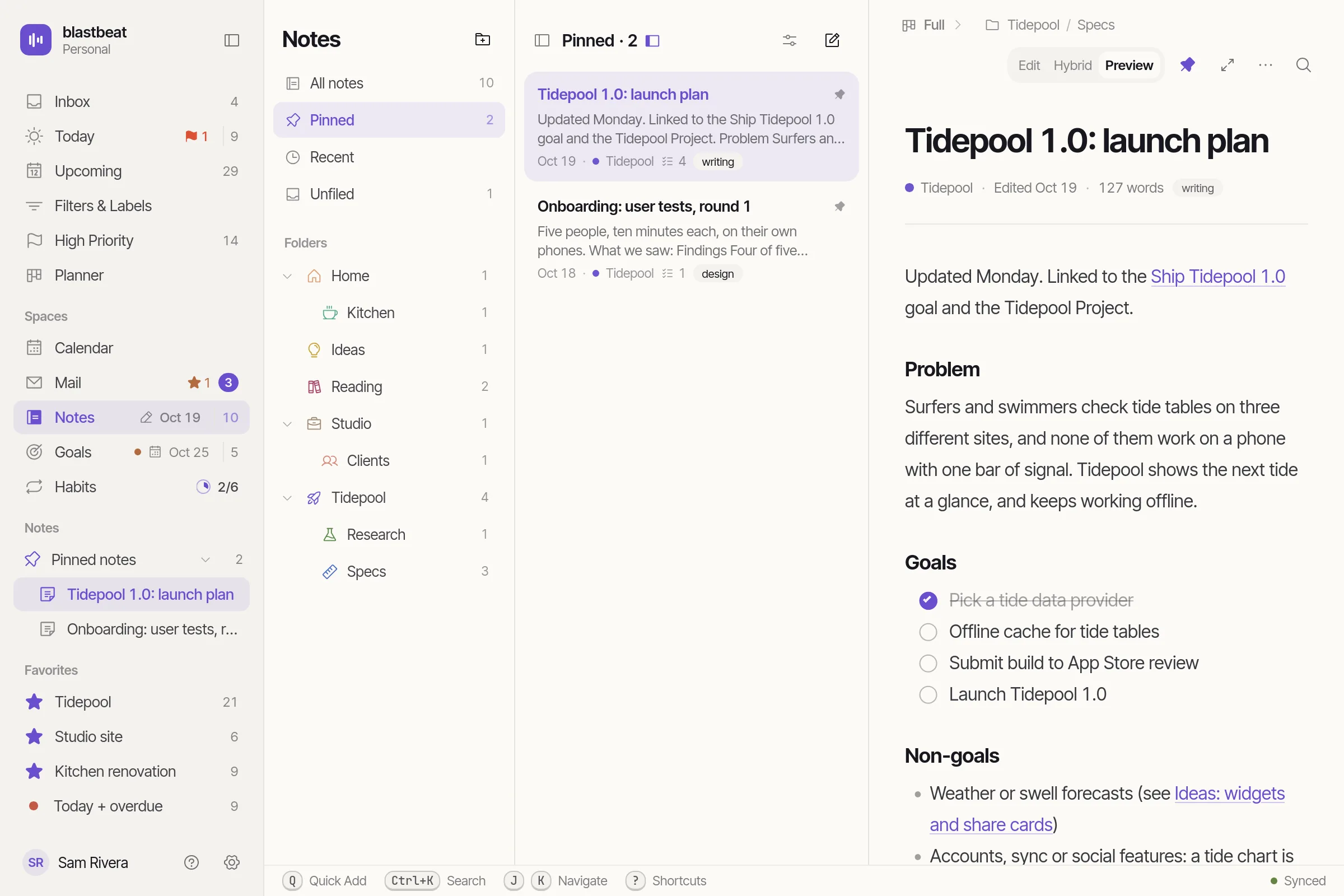
Outcomes, and theHabits under them.
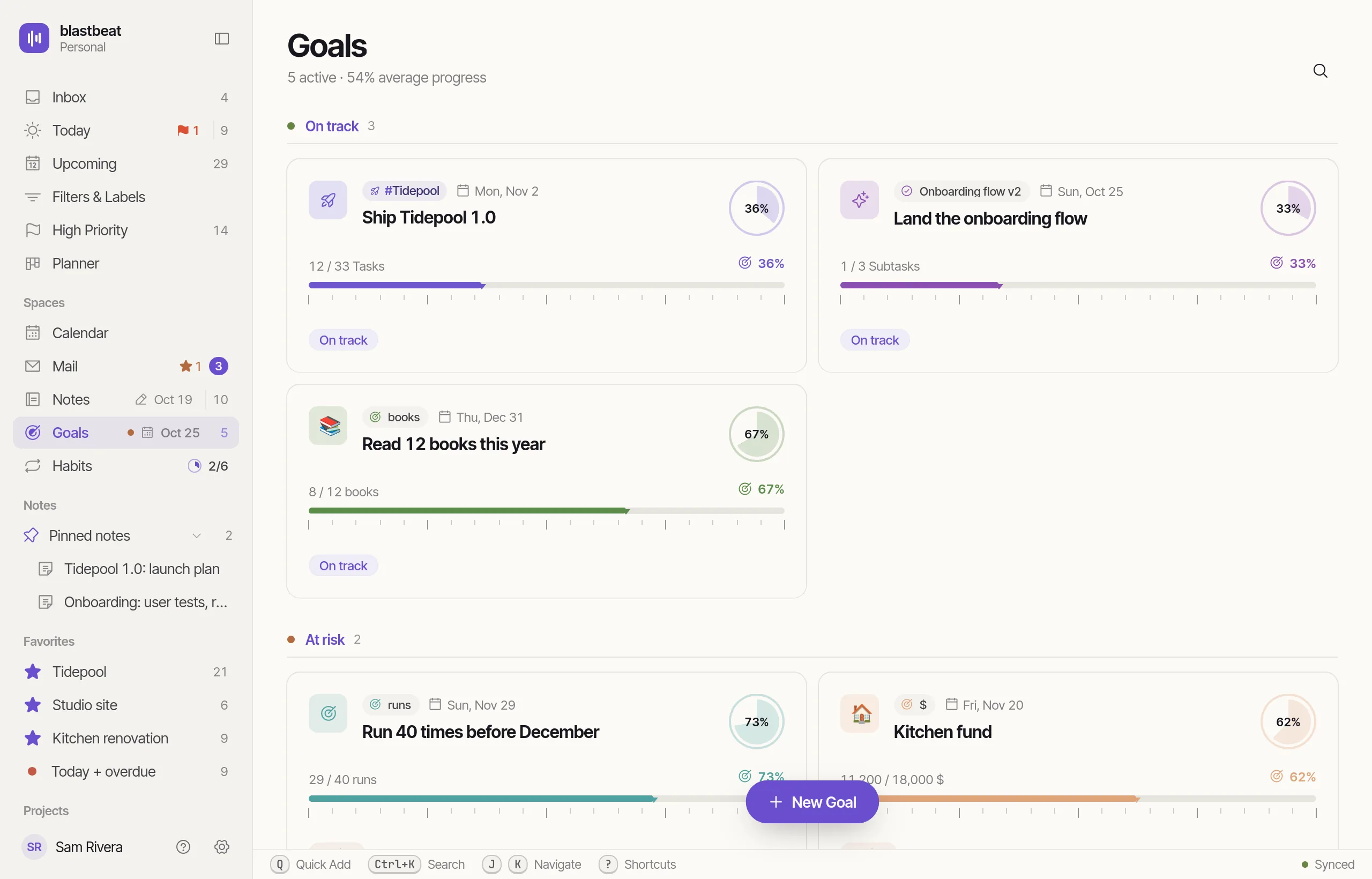
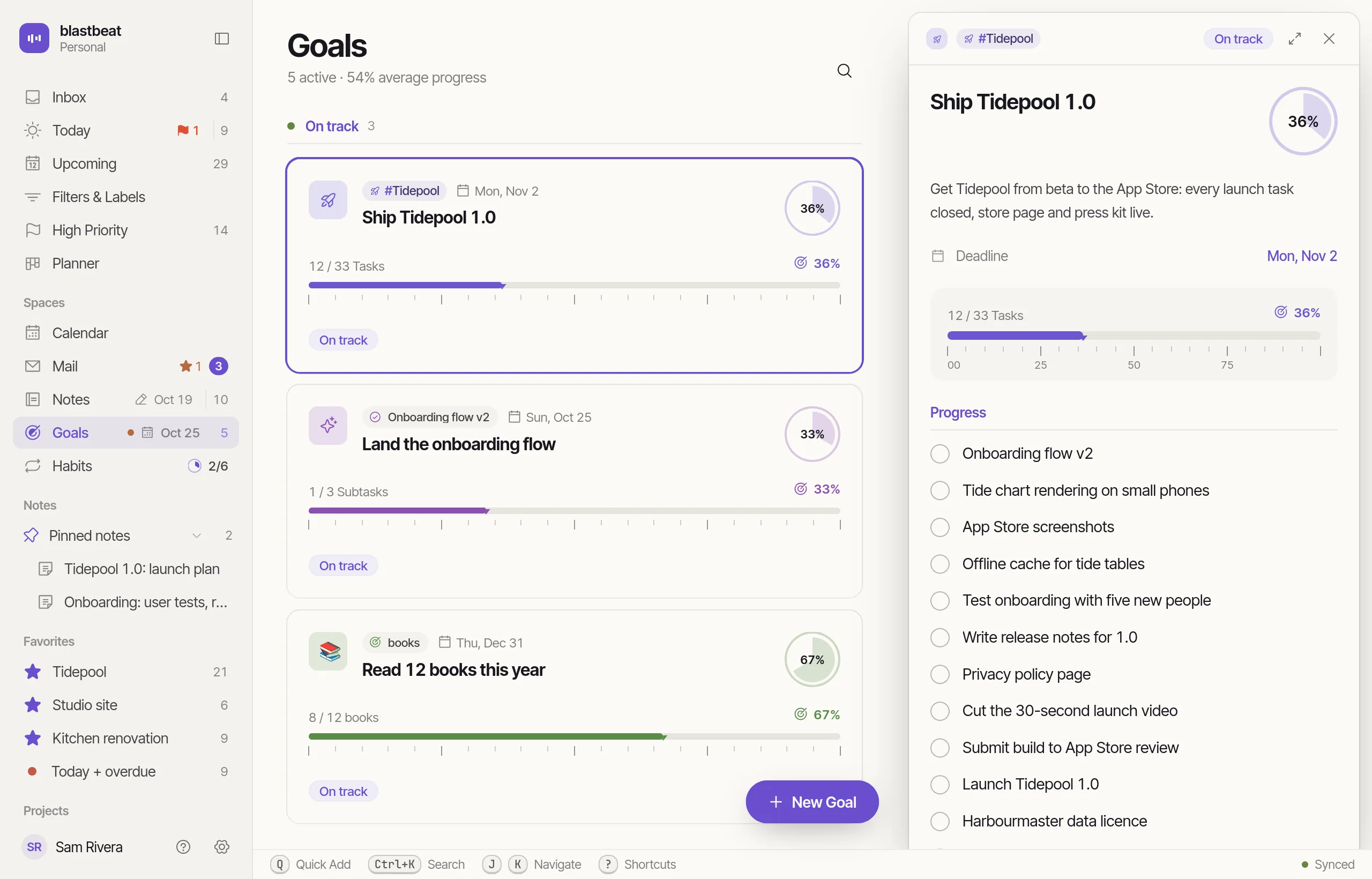
Every Goal with its progress and Deadline, grouped On track, At risk and Achieved.
Goals and Habits at work
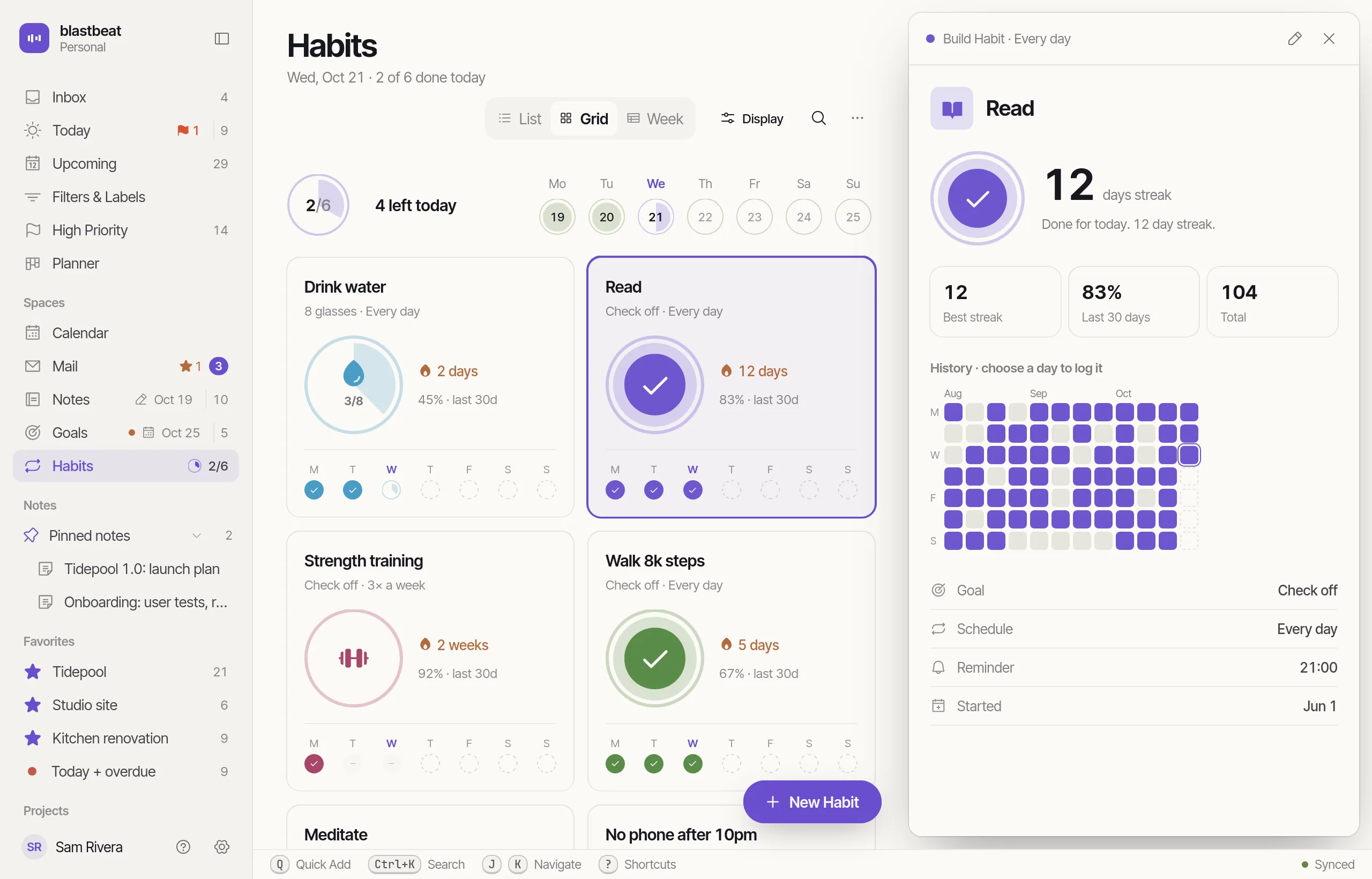
Close a ring. Watch the week fill.
A Goal takes its number from the work: the Subtasks of a Task, the Tasks of a Project, or a value you update yourself. A Habit takes one click.
- At risk is a flag you set; Achieved arrives by itself at 100%
- Back-fill a missed day from the Week layout, up to 400 days back
- A day not yet met does not end a Streak
Goals and Habits on iPhone
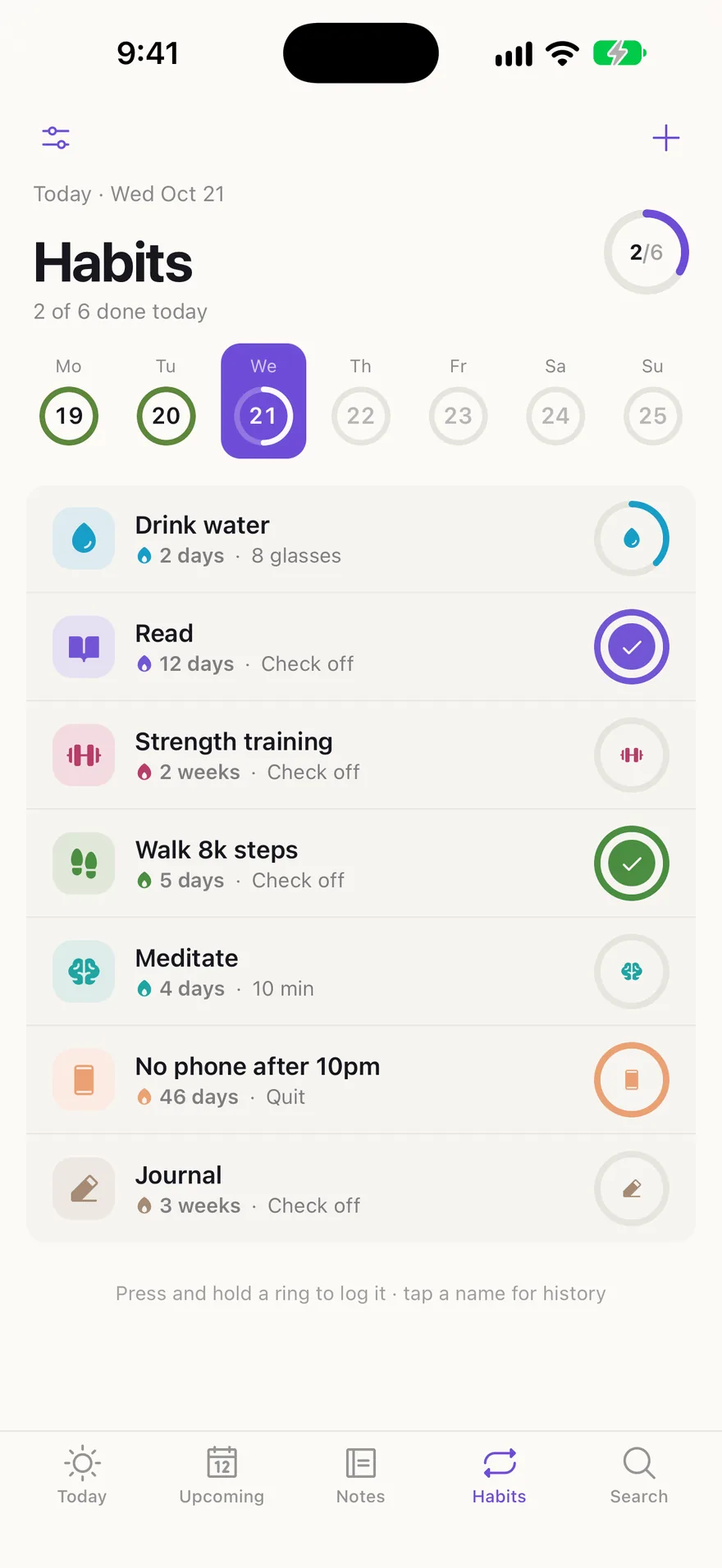
Hold a ring to close it.
On iPhone a Habit’s ring is its log button. Tap it, or press and hold, as you choose in Settings. The Week strip back-fills missed days.
- Grid or list layout
- Home-screen widgets for Today, a Goal or a Project
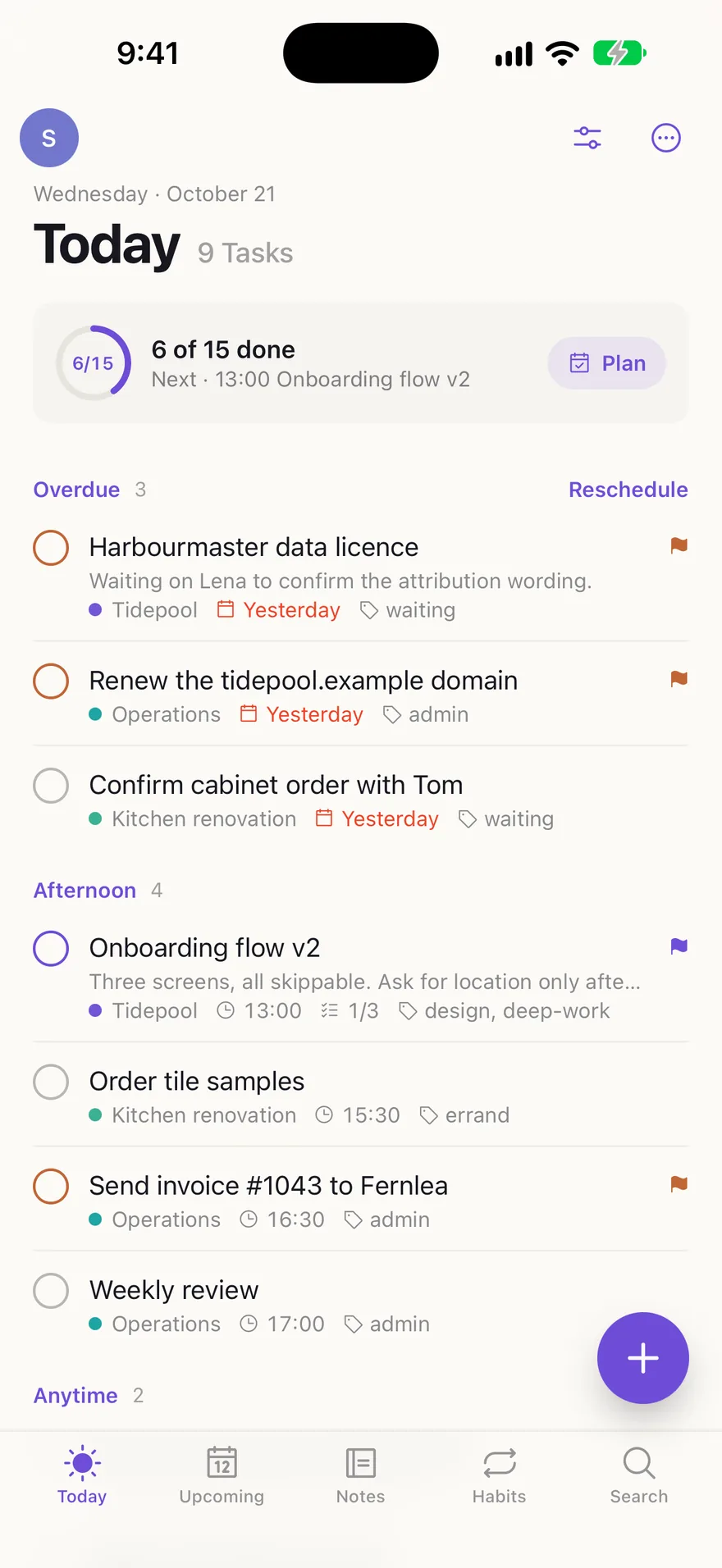
- What you log shows on the web within a second
Measured, not reported.
Progress is the share of the Project’s top-level Tasks that are done.
Progress is the Task’s Subtasks, or the Task itself if it has none.
Count toward a target, such as 12 books. Every change is kept in a Progress log.
An optional date for each Goal. It never changes a Task’s Due.
Check it off, reach a count, or time minutes with a timer.
A quit Habit’s day is met when nothing is logged.
Met scheduled days in a row, or met weeks for a weekly Habit, with your best and the last 30 days.
Twelve weeks of every Habit on one grid. Pick a day to log it.